Safari-TV Bus Repair & Driving Controls: Gears, Glovebox & Unstuck
Drive and repair the Safari-TV bus with manual gears, glovebox switches, wrench and wheel installs, shelf storage limits, and stuck vehicle recovery.
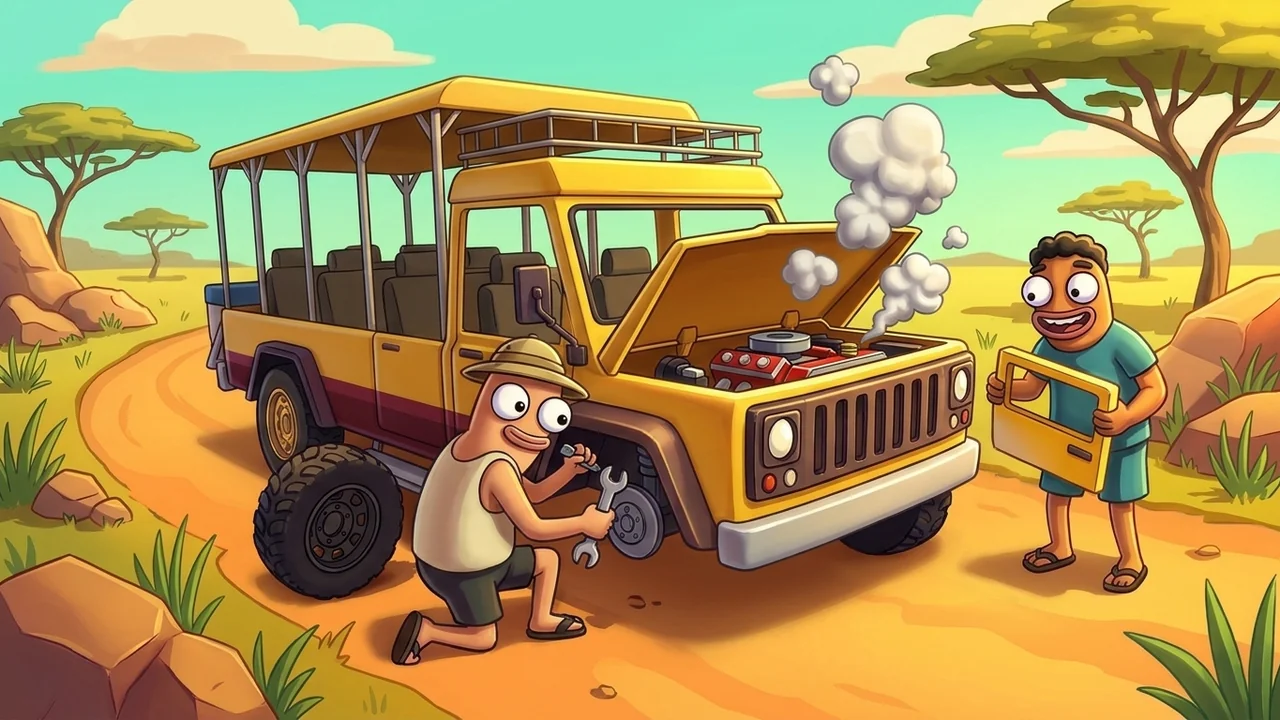
Driving the safari bus combines standard pedal and steering prompts with a drag-based manual gear shifter, a handbrake toggle, wipers, a horn, and cab glovebox switches for jumping, nitro boosts, and self-destruct. When collisions wreck the vehicle, crewmates can reattach loose body panels via a 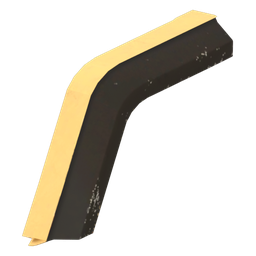 Bus Part, mount a
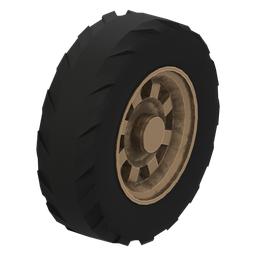 Bus Wheel on an empty hub, or apply a $500
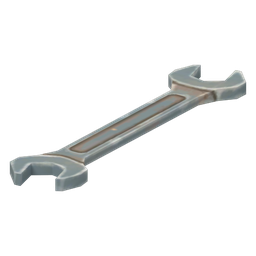 Repair Tool for up to 50% durability recovery. If the vehicle flips over or gets trapped on terrain, trigger “BUS UNSTUCK” from the pause menu to right the truck at the nearest road or camp spawn, sharing a five-minute cooldown across the crew.
Driving Controls and Manual Gears
For the full day loop from camp departure to evening TV playback, start with the Safari-TV beginners guide.
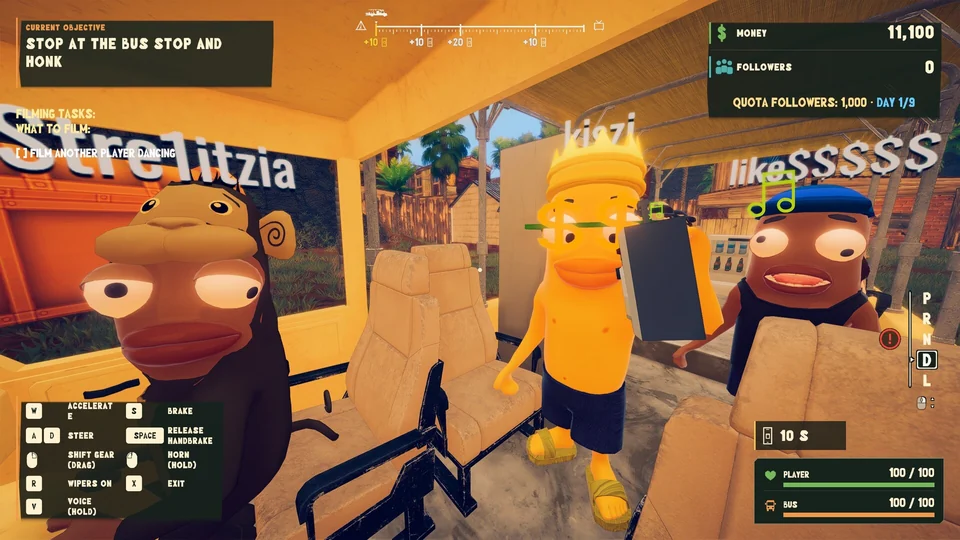
Behind the wheel, the driving controls cover “Accelerate”, “Brake”, “Steer”, “Handbrake” and “Release handbrake”, “Shift gear (drag)”, “Horn (hold)”, “Wipers” (“Wipers on” and “Wipers off”), and “Exit”. Outside the cab, you can use “Push (hold)” to shove the truck or “Right vehicle” when it tips, while honking at each bus stop signals tourists to board or step out.
Shifting gears uses a drag motion rather than an automatic toggle, and you can move the lever into D or L even while rolling backward. Pressing the throttle in either forward gear slows the backward roll to a stop before driving the truck ahead. Reaching 34 km/h satisfies the speed requirement for the “The bus at high speed” objective listed in the filming tasks database, which requires 1 second of camera visibility.
Keyboard and mouse bindings save automatically, though Esc, Backspace, Tab, F11, and Win are reserved keys that cannot be reassigned. Controller layouts stay fixed inside the game and must be remapped through Steam Input, while look sensitivity, inverted camera Y, and stick deadzones remain adjustable in the controller menu.
Glovebox Switches: Jump, Nitro and Self-Destruct
The cab glovebox houses interactive controls for bus jumps, nitro bursts, and a guarded red self-destruct switch, complete with their own audio and visual cues.
- “JUMP” triggers the bus jump control.
- “NITRO ×5” triggers the bus nitro control.
- “RED BUTTON” and “DO NOT PRESS” label the guarded self-destruct switch.
Repairing the Bus, Reattaching Parts and Replacing Wheels
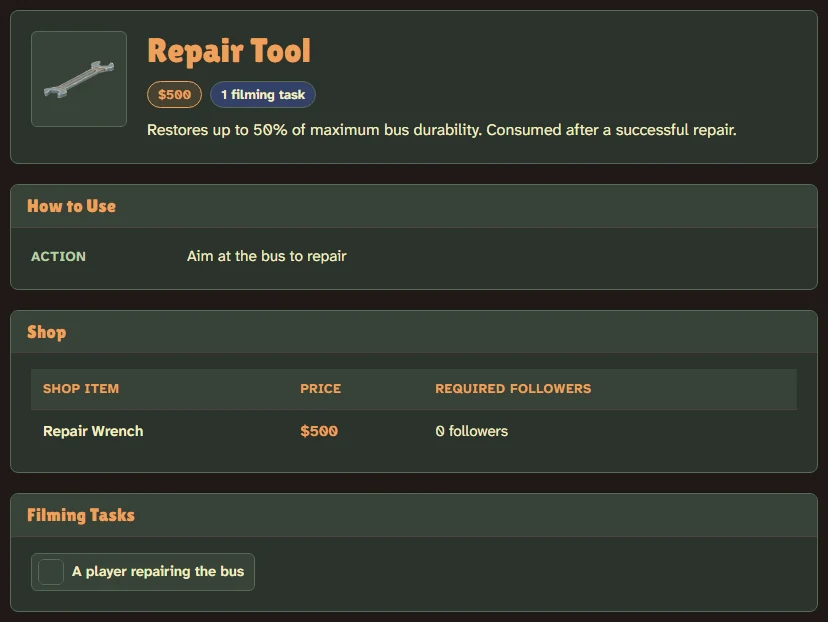
Bus repairs fall into two field methods—reinstalling detached vehicle components for free or consuming a Repair Tool—plus automatic end-of-day billing at camp. The Repair Tool sells in the camp shop under the label “Repair Wrench” for $500 with 0 required followers, and you can browse every other piece of camp gear in the items database. Point it at the truck to regain up to 50% of total bus durability, which uses up the Repair Tool once the fix completes.
When impacts knock body panels loose, pick up a Bus Part and aim at the truck to bolt it back on and recover durability at no cash cost. A detached Bus Wheel snaps back on when you hold it and aim at a matching empty wheel mount on the vehicle. If a tire flies out of reach, climb onto the bus roof to grab the roof spare wheel while standing on top. Heavy detached panels and wheels also use consistent charged throwing speeds, so a teammate can hold and toss a loose component closer to the bus instead of walking it the whole way.
Any damage left unfixed when the day ends is billed automatically on the “DAY SUMMARY” screen at $2 per missing health point, $10 per missing body part, and $25 per missing wheel, though during the 9 protected sponsor days eligible sponsor support offsets camp repairs in net earnings so those automatic fees reduce net balance only on sponsor-ineligible days or after Day 9. Because automatic deductions charge $2 per missing health point alongside part and wheel fees, weigh buying a $500 Repair Tool against other early purchases in the best shop items guide. Using a Repair Tool, reattaching a Bus Part, or mounting a Bus Wheel all fulfill the “A player repairing the bus” filming task (1 second in frame), contributing toward the day’s $750 team filming-goal cash pool (3 × $250, shared pro rata across assigned tasks) and 1,250 × cycle follower task reward.
| Option | Cost | Effect and notes |
|---|---|---|
| Repair Tool |
$500 | Sold as “Repair Wrench” (0 required followers); regains up to 50% bus durability and is consumed once a repair succeeds. |
| Bus Part |
Free | Reattach loose body panels by aiming at the bus to restore durability; counts for bus repair filming. |
| Bus Wheel |
Free | Snap onto a matching empty wheel mount; spare wheel available on the bus roof; counts for bus repair filming. |
| Automatic repair (health) | $2 per point | Billed on the “DAY SUMMARY” screen for unfixed bus health damage; offset by eligible sponsor support on Days 1–9. |
| Automatic repair (part) | $10 per part | Billed on the “DAY SUMMARY” screen for each missing body panel; offset by eligible sponsor support on Days 1–9. |
| Automatic repair (wheel) | $25 per wheel | Billed on the “DAY SUMMARY” screen for each missing wheel; offset by eligible sponsor support on Days 1–9. |
Bus Interior, Shelves and Recovery Tools
Each interior shelf fits up to five small supplies—such as  Syringe,
 AK47 Magazine,
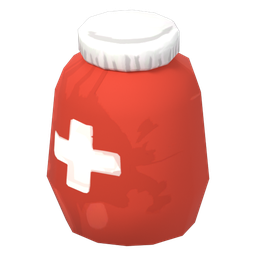 Small Medkit,
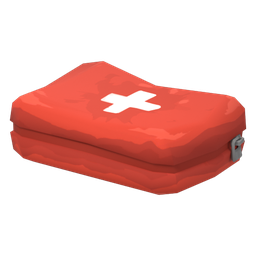 Medium Medkit,
 Carrot, and Repair Tool—while an
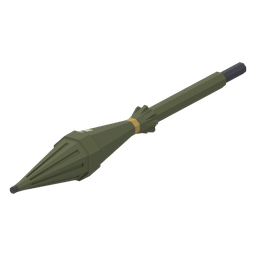 RPG Grenade or any larger item fills an entire shelf by itself. Fresh campaigns begin with five medkits already stocked on the middle bus shelf alongside the onboard
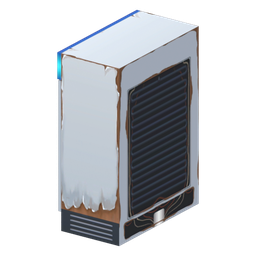 Drink Fridge; see the tourist care and drinks guide for serving timers and healing rules.
Loose gear sitting on the truck highlights for pickup through blocking geometry once you aim within reach, and the cabin uses a sloped side approach and widened front aisle to smooth boarding. Opening the bus doors can knock nearby crewmates down without causing health damage, and player entry into the engine bay is blocked so nobody gets trapped beneath an open hood.
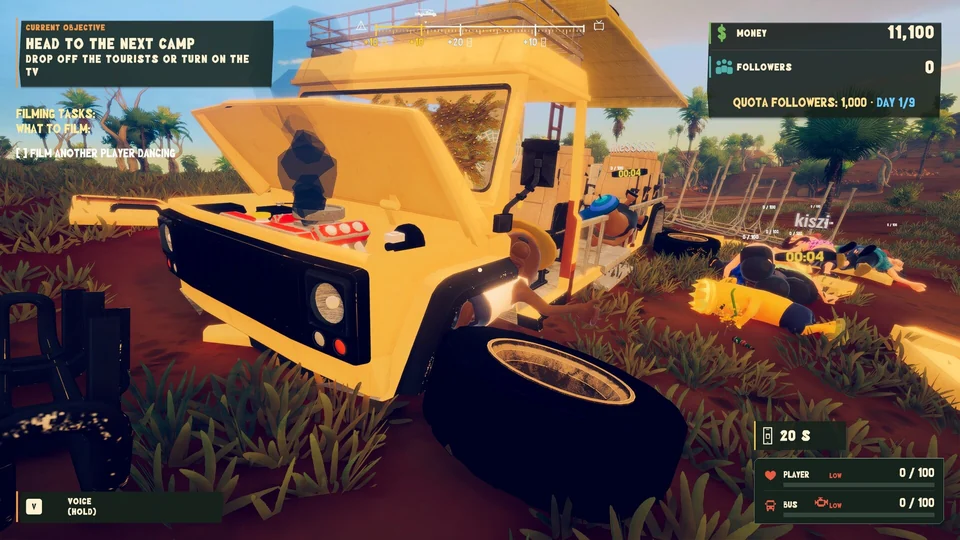
When the truck flips over, wedges against obstacles, or hangs on its chassis, pause and use “BUS UNSTUCK” to upright and lift it at camp spawn or the nearest road—falling back to an in-place lift if needed—on a shared five-minute cooldown. If the vehicle stays overturned, wedged, or hung up for one minute, an on-screen prompt reminds you of “BUS UNSTUCK” and displays any remaining cooldown time. On foot, automatic recovery nudges a player caught between static scenery onto nearby safe footing when available, while trying to move or jump without making headway for 15 seconds triggers an “ESC > UNSTUCK” prompt.