Safari-TV Console, Xbox, PS5, Mobile, and Crossplay Status
Safari-TV runs on Windows via Steam with no Xbox, PS5, Switch, Android, or iOS release and no crossplay; check controller, Steam Deck, and co-op rules.
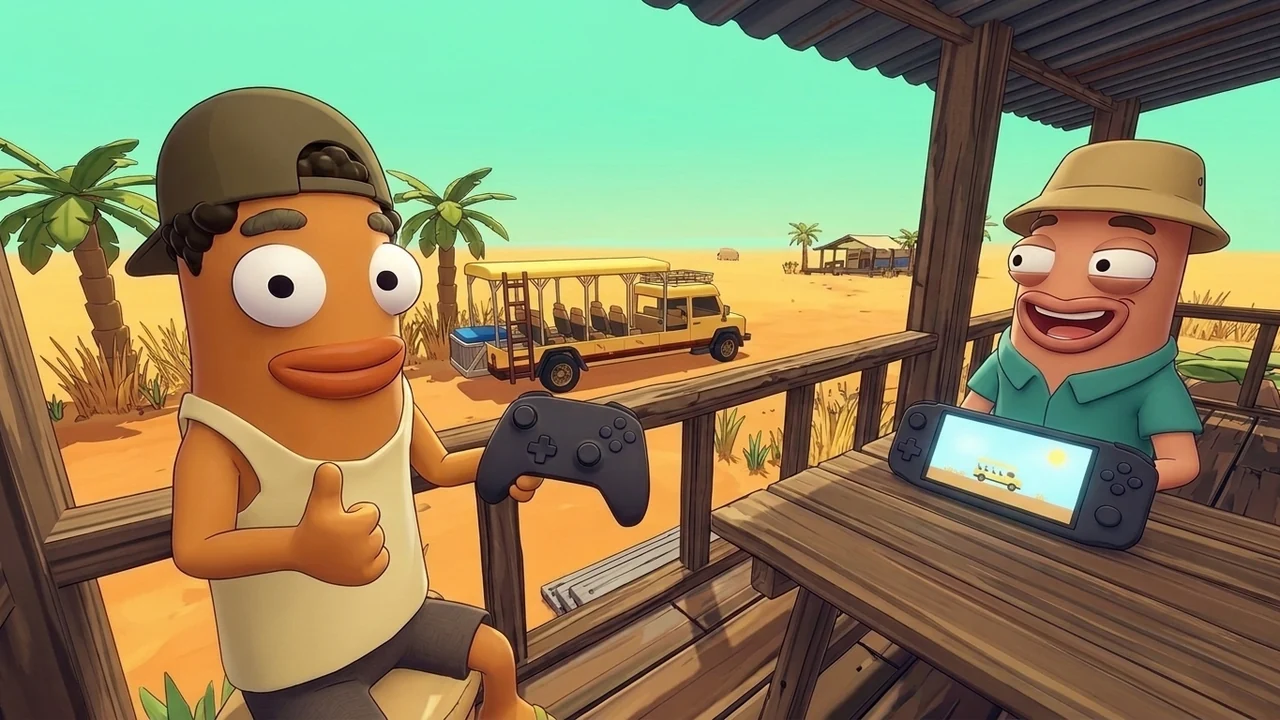
Safari-TV is available on Windows through Steam only, with no Xbox, PS5, Switch, Android, or iOS release announced by Mercy Games or Blue Ocean Games. Online multiplayer connects only Steam accounts running matching builds, so there is no cross-platform crossplay with consoles or mobile devices.
For store pricing, bundle options, and broader release questions, read the platforms, price, and co-op FAQ.
Platform Availability Overview
| Platform | Status | Notes |
|---|---|---|
| Windows (Steam) | Released ($7.99) | Early Access launched November 9, 2026; uses DirectX 11 only since v0.7.50 |
| Steam Deck (SteamOS / Proton) | Playable with limits | Gamepad prompts, on-screen keyboard, and camp TV playback work; video export stays Windows-only |
| Consoles (Xbox, PS5, Switch) | Not released | No console version announced; Steam lists Full Controller Support with button remapping via Steam Input on PC |
| Mobile (Android and iOS) | Not released | No mobile app exists on Steam or in Mercy Games announcements |
Early Access launched on November 9, 2026 at $7.99 on Steam, with Windows listed as the sole supported operating system. On the rendering side, v0.7.48 made DirectX 11 the Windows default and turned off DirectX 12 while leaving Vulkan enabled, and v0.7.50 then locked Windows builds to DirectX 11 only by disabling Vulkan. Client startup checks enforce the platform target with the notices “STEAM REQUIRES WINDOWS” and “Use the Windows Steam version of the game.”
Xbox, PS5, Nintendo Switch, and Mobile Availability
Neither the Steam store catalog nor the 24 Steam developer announcements mention an Xbox, PS5, Switch, Android, or iOS port of Safari-TV. With no Android or iOS edition published on Steam or announced by Mercy Games, third-party APK files claiming to run the game on phones are not legitimate builds.
The Steam listing carries Full Controller Support, and the client detects connected controllers so players can remap inputs in Steam Input. Steam Deck and controller layouts handle gameplay, driving, menus, phone apps, and turning in place with the left stick during the 10 gestures and dances cataloged on the Safari-TV emotes page (added in v0.7.50).
Steam Deck, SteamOS, and Proton Support
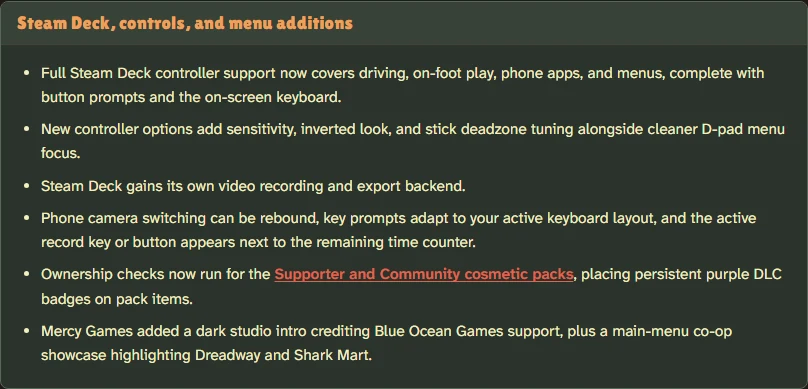
Mercy Games tests patches on Steam Deck hardware and added full gamepad handling in v0.7.34 for driving, menus, and phone apps, bringing button prompts, an on-screen keyboard, sensitivity sliders, inverted look, and stick deadzone controls. Patch v0.7.39 followed with a dedicated TV audio and video playback backend for Steam Deck to fix silent clips and colour bars at camp.
Measured performance on developer Steam Deck units moved from 35 FPS to 50 FPS in the November 10 hotfix, and reached a steady 50-55 FPS after the November 15 optimization update compared with roughly 30 FPS beforehand.
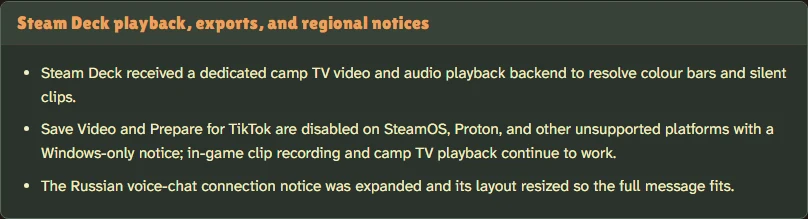
The main SteamOS/Proton limitation affects clip exporting: since v0.7.39, Save Video and Prepare for TikTok are disabled outside Windows, displaying “Available only on Windows” and “Video saving is available on Windows.” In-game filming with the 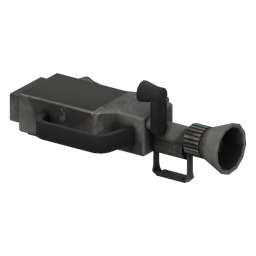 Video Camera and phone still works on Steam Deck, and crews can still review footage on the camp TV; browse every carried tool in the items catalog.
Crossplay and Steam Multiplayer Rules
As Safari-TV releases only on Steam, PC players cannot invite or match with console or phone users; every 2–4 player squad connects through Steam. Each participant must sign in on a separate account, because the client enforces “Each player needs a different Steam account” and blocks duplicate sign-ins.
Crews also need matching builds and editions from Steam, as the client tells mismatched players to “Launch the same game edition from Steam.” Invitations report incompatible game versions as of v0.7.54, and v0.7.60 added tips across all 31 languages advising players to restart Steam for pending updates. Before opening the session browser, friends must select the same server region (introduced in v0.7.50) so lobbies appear; if disconnects or stuck TV transfers occur, check the save system and multiplayer fixes guide.
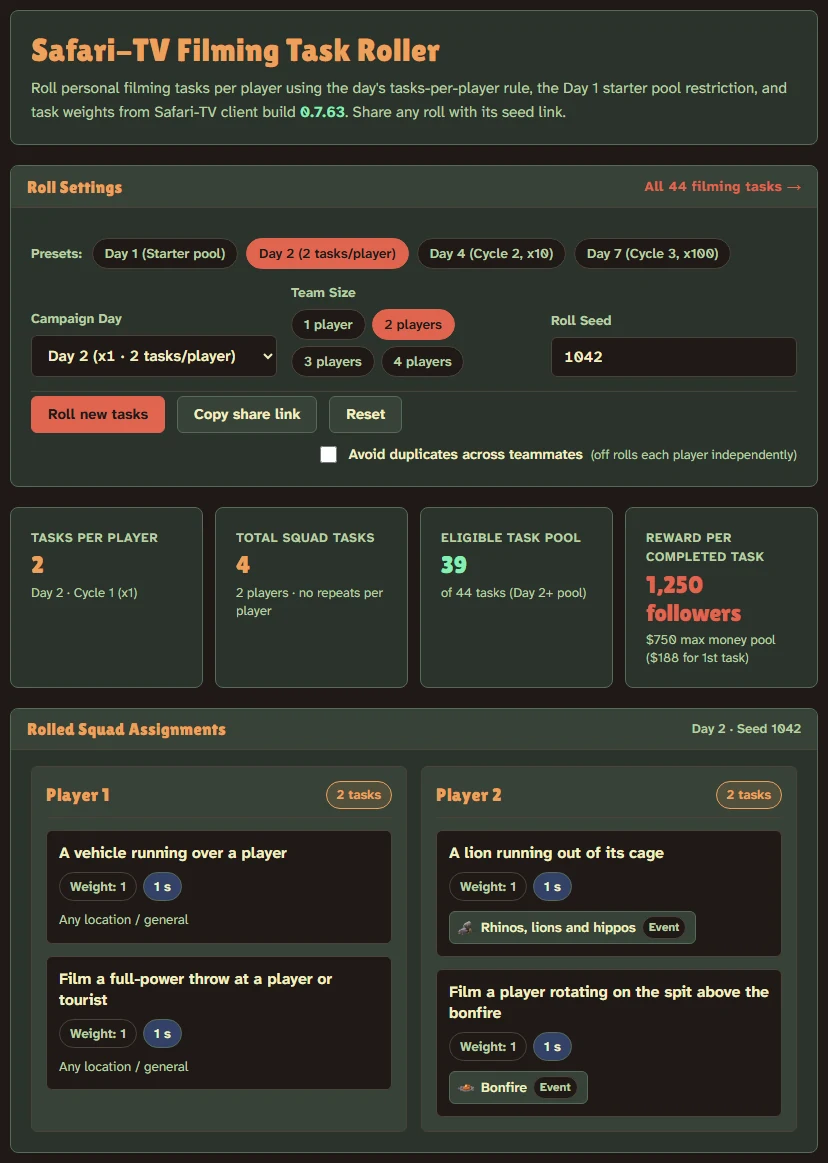
Once everyone joins the same Steam lobby, up to 4 players can watch clips together at camp while sharing one team cash pool across rescued tourists, automatic bus repair deductions, and the 44 filming tasks and payout rules.
On the Steam store, Family Sharing is active on the base game as well as both cosmetic add-ons (Supporter Pack and Community Pack), though simultaneous online co-op still requires a separate Steam account per player. See every cosmetic included in both add-ons in the Supporter Pack and Community Pack guide.